01
Secure store connection
Your store is linked through Uber Eats’ official authorization flow, so credentials stay on the platform side and are never retyped by staff.
Restomas carries marketplace orders into your restaurant’s main order flow. Your team sees them in one panel, the kitchen prepares them in the same queue, and delivery handoff follows the routine your staff already knows.
No credit card required. Once your store is connected, Uber Eats orders drop straight into the Restomas flow.
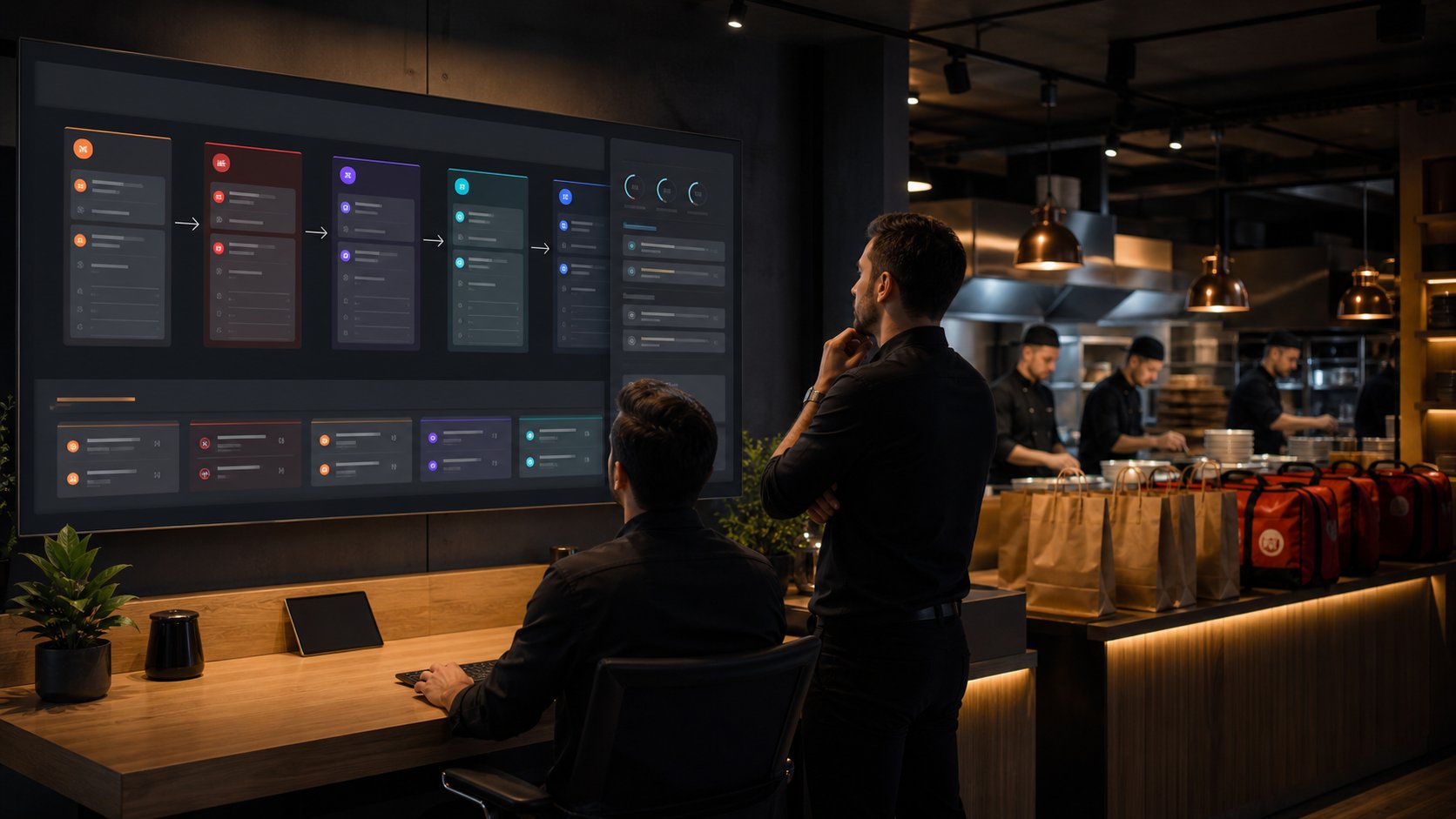
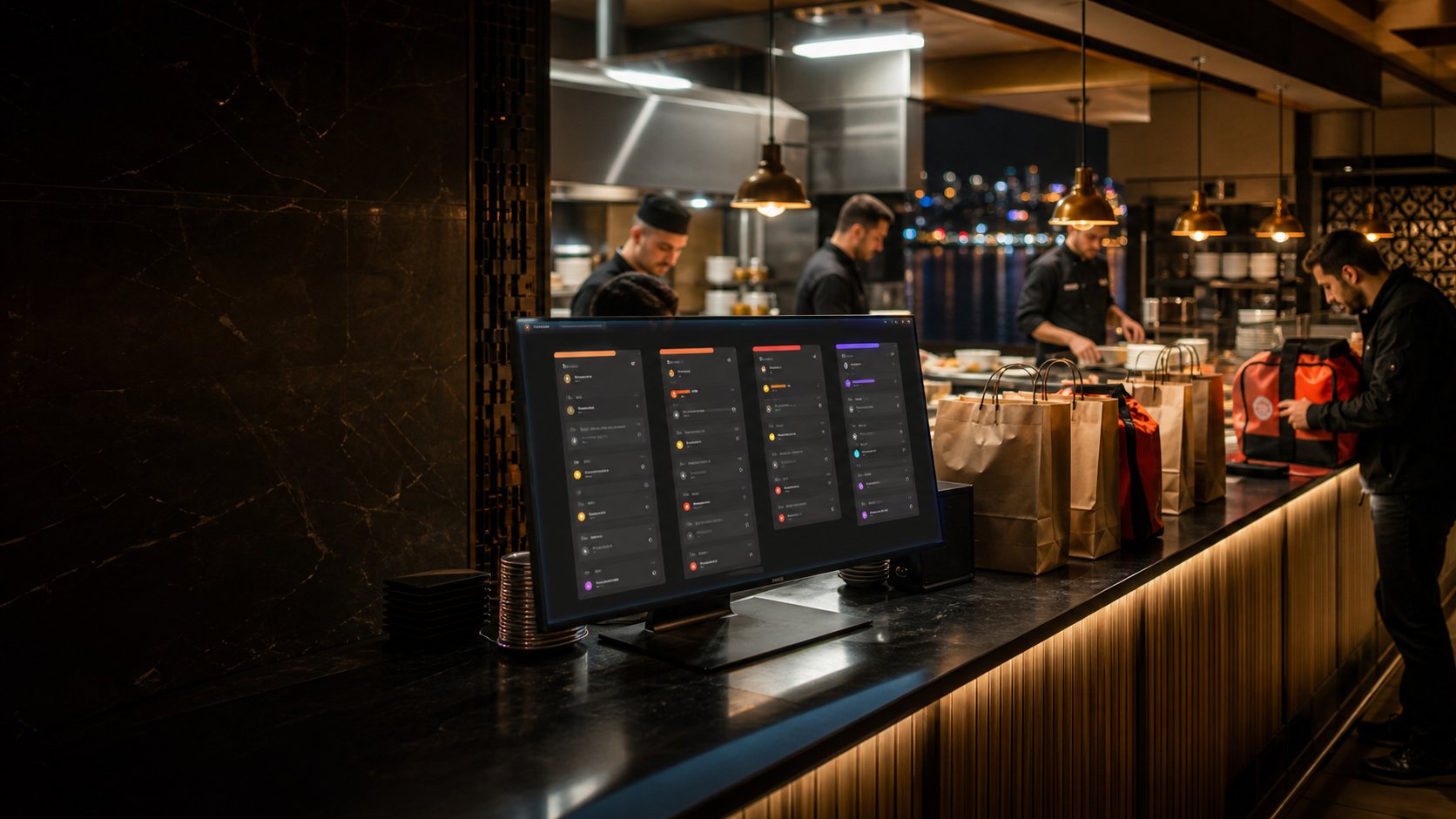
Orders placed on Uber Eats are pulled into the same Restomas layout your team uses every day, so nobody has to watch a separate tablet. Source, total, customer and preparation status are all followed from one place.
Your store is linked through Uber Eats’ official authorization flow, so credentials stay on the platform side and are never retyped by staff.
New orders are received the moment Uber Eats sends them and are turned into a Restomas order with their products, notes and totals intact.
Your team responds to an incoming order from the Restomas screen, and the decision is sent back to Uber Eats without opening another device.
Once the order is received, your team follows acceptance, preparation, handover and closing in a single layout. The point is simple: everyone looks at the same screen.
A customer places an order on Uber Eats and it reaches Restomas right away.
The order appears on the restaurant’s main order screen, labelled with where it came from.
Acceptance or refusal is answered from the same screen and reported back to the marketplace.
Products and notes enter the kitchen flow, and the team knows which order came from where.
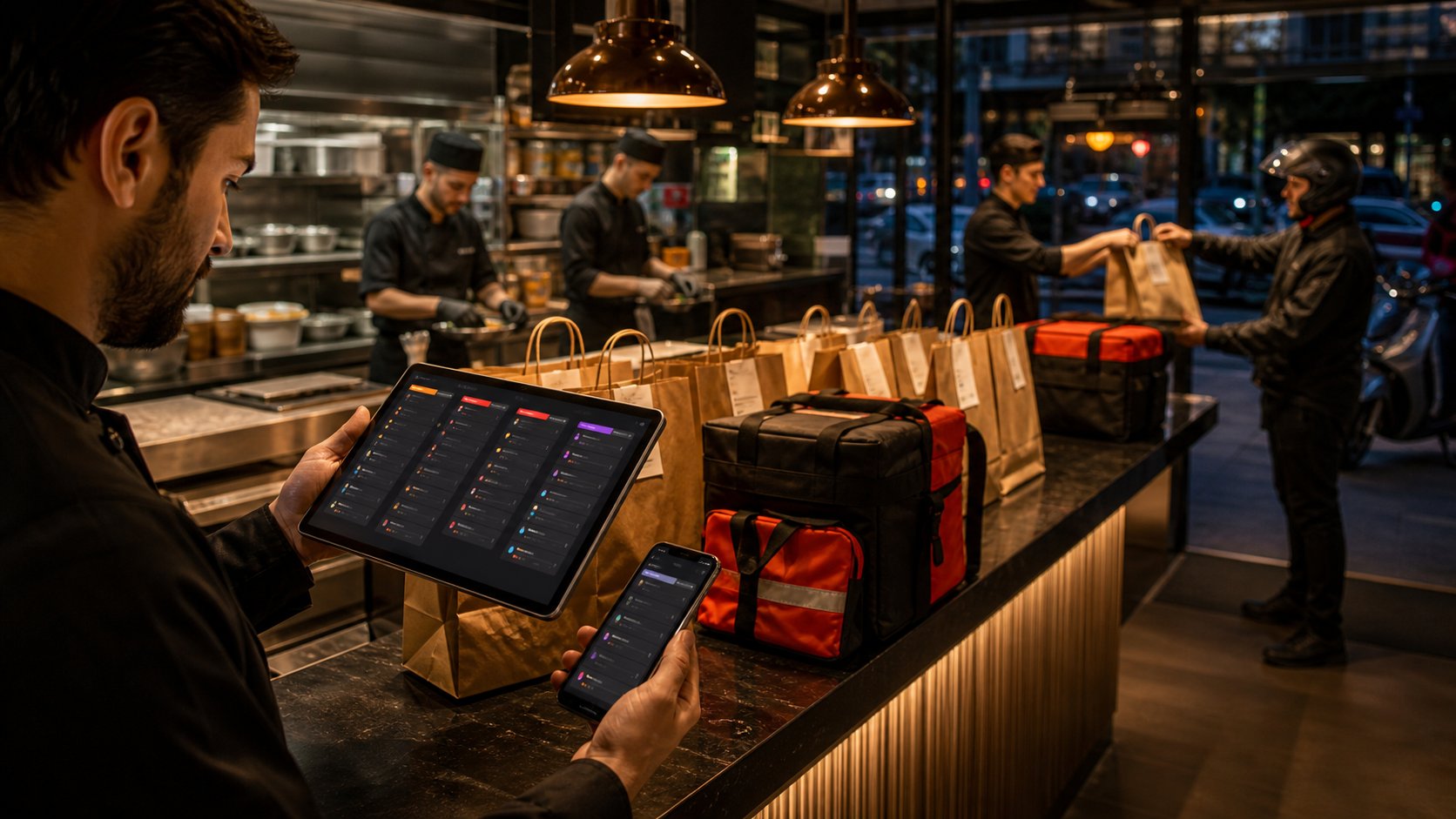
The bag is made ready for handover with the customer and order details attached.
Marketplace orders can be followed separately in reports and history records.
Owners, managers and staff follow marketplace orders in the same operational layout as QR, phone, delivery and table orders.
Which marketplace an order came from is clear at first glance.
Products, notes, customer and delivery information are collected in the same record.
When a new order arrives, the whole team is notified at the same moment.
Marketplace orders can be filtered separately in history and compared with your other channels.
After the order lands on the screen, preparation, packing and handover continue in the Restomas layout your team is already used to.
Marketplace orders appear in the kitchen layout, and product notes do not get missed.
Customer and order notes are passed to the delivery team in an orderly way.
Every step from acceptance to handover is followed by the team.
Product matching, menu edits, stock status and activity history are kept in one place inside Restomas. That way, during busy hours it is far clearer which product is actually available to sell.
Your product and price layout is maintained in Restomas and kept ready for marketplace flows.
Stock status is tracked so your team can manage products that are no longer available.
Updates and their results can be reviewed by the restaurant team.
When the QR menu, order center, courier management and restaurant automation run on one platform, your team switches screens less and decides more clearly.
Every order is accepted, prepared and completed in the same flow.
ExploreDelivery and courier operations are followed inside Restomas.
ExploreIn-venue digital menus and QR ordering live on the same platform.
ExploreBranches, products, stock, customers and reports come together in one place.
ExploreRestomas was built to connect marketplace orders to the daily operation of your restaurant.
Restomas currently supports the Uber Eats order flow for restaurants in the United States. Further marketplaces are announced here as their integrations go live.
Orders land on the main Restomas order screen, and the kitchen, delivery and follow-up steps are managed from that same place.
Yes. Acceptance, preparation, ready, handover and cancellation steps are all followed by your team in one flow.
You start with a 15-day free trial: every module unlocked and no credit card required.
Combine marketplace orders with the rest of your Restomas operation. Fewer devices, clearer tracking, faster service.
Get started now 15 days free, no credit card required, all features unlocked